Extract Invoice Data into a Spreadsheet You Can Review
Prepare invoice fields for review without hiding missing or uncertain values.
Invoice extraction · Define the columns first
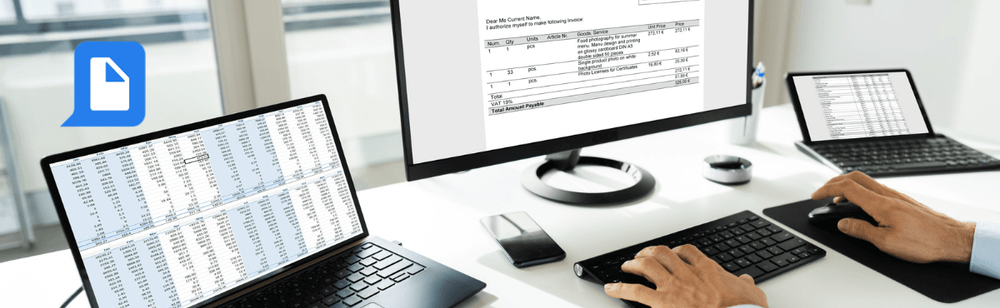
Your team needs a supplier invoice number, date and total—not a paragraph summarizing the invoice. Specify the columns, preserve the original values and keep the source attached to each row so someone can check the result.
Use an explicit field list and a review-first spreadsheet request. Full-table conversion and selected-field extraction are different tasks. Choose the one that matches the next step in your process.
Start with the result you need
Choose the invoice and target fields
Start with one representative invoice. Write the required columns before asking for extraction.
Request values with source references
Ask the assistant to mark missing or unreadable values, distinguish tax from the gross total and retain the invoice identifier as text.
Review and export
Check the proposed rows against the invoice, then request the supported spreadsheet output. Use PDF-to-Excel conversion when the goal is to reproduce the whole table.
Prompt to copy
Extract these fields from the invoice for a review table: source filename, invoice number, invoice date, supplier name, currency, subtotal, tax and gross total. Use one row per invoice. Preserve identifiers as text. Mark missing values as “Not found” and unreadable values as “Review needed.” Do not invent values or approve payment. Show the table before creating the final spreadsheet.
What to look for in the result
Illustrative review row, not a benchmarked extraction result.
Field
Fictional example
Review action
Invoice number
INV-001
Compare every character.
Currency
USD
Confirm it is explicitly stated.
Subtotal / Tax / Gross total
100.00 / 20.00 / 120.00
Check the labels and arithmetic against the source.
Review before you move on
Compare invoice number, supplier and currency with the original.
Check whether tax is included in or separate from the stated total.
Leave missing fields visible for follow-up.
Keep each row linked to its source before importing data into another system.
Questions before you start
What if the invoice is a scan?
Use OCR where needed and verify the recognized text before relying on extracted numbers.
Can I repeat this on more invoices?
First test the field-extraction and output route on varied layouts. Save a compatible website process only after checking the actual workflow support.
Recent Use Cases
Process Document Files with Codex and pdfAssistant
Turn a PDF Bank Statement into a Reviewed Excel Table