Turn a PDF Bank Statement into a Reviewed Excel Table
Prepare transaction data while keeping balances and source rows traceable.
Statement preparation · Keep the source in view
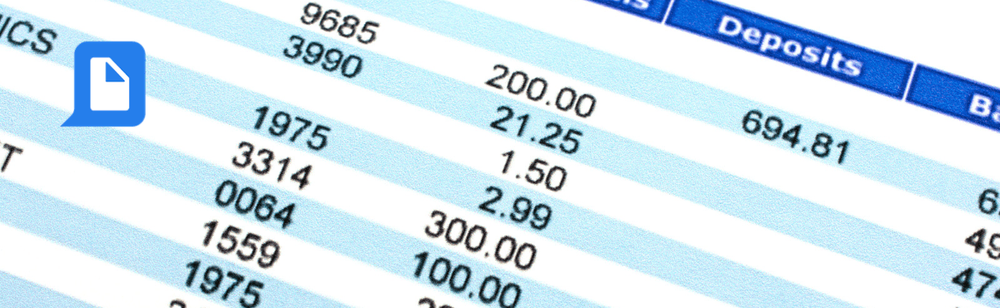
A PDF statement is easy to read but awkward to compare with a working spreadsheet. The challenge is preserving transaction rows across pages and making sure debits, credits and balances are not mixed together.
Convert or extract the transaction table, then compare the rows and balances with the statement. Keep the original file and treat the worksheet as material to review before your reconciliation process.
Start with the result you need
Define the requested columns
Choose date, description, reference, debit, credit and running balance where the statement includes them.
Prepare the statement
For image-only pages, check whether OCR is needed. Ask for conversion without summarizing transaction descriptions.
Compare before import
Check the first and last transaction, page transitions and the statement’s stated opening and closing balances.
Prompt to copy
Prepare an Excel transaction table from this PDF statement. Use Date, Description, Reference, Debit, Credit, Running balance and Source page when available. Preserve source values and mark missing fields. Do not merge separate transactions, invent balances or treat the output as automatically reconciled. Flag uncertain rows for review.
What to look for in the result
Fictional arithmetic example. This is not an actual statement extraction or financial recommendation.
Illustrative event
Debit
Credit
Balance
Opening balance
—
—
1,000.00
Transaction A
100.00
—
900.00
Transaction B
—
250.00
1,150.00
Review before you move on
Compare row count and transactions around every page boundary.
Check the statement’s sign convention for debits and credits.
Compare opening and closing balances with the source.
Review wrapped descriptions, reversals and negative values carefully.
Questions before you start
Should I combine debit and credit into one amount column?
Only if your downstream format needs it and you define the sign convention. Keep the unchanged conversion so you can trace the transformation.
Can this connect to my bank account?
This article describes processing a supplied file. It does not establish live account access or transaction synchronization.
Recent Use Cases
Process Document Files with Codex and pdfAssistant