Turn a clear project brief into a proposal you can review before sending.
Proposal creation · Facts first, formatting second
Your project notes contain the scope, deliverables and next step, but the client needs a coherent proposal. Give the assistant the approved facts and tell it what is still undecided so it does not fill the gaps with invented commitments.
Draft and approve the proposal text before creating the PDF. Separate what the assistant may organize from the commercial details that must remain exactly as supplied.
Start with the result you need
Prepare the brief
Provide the client, project, deliverables, exclusions, schedule and approved commercial terms. Identify any missing decisions.
Review the draft
Ask for a plain-language proposal with clear sections. Check every commitment, amount and date.
Create the PDF
Use the approved draft to create the supported PDF output. Open the downloaded file and inspect headings, tables and page breaks.
Prompt to copy
Draft a concise proposal using only these facts. Client: Cedar Example LLC. Project: a three-page website content refresh. Deliverables: content inventory, three revised page drafts and one review round. Exclusion: development and publishing. Schedule: to be agreed. Price: not yet approved. Use Overview, Scope, Deliverables, Exclusions and Next steps. Do not invent a price or deadline. Show the text before creating a PDF.
What to look for in the result
Fictional proposal outline. It is not an actual generated-file result.
Section
Approved information to include
Scope
Three-page content refresh.
Deliverables
Inventory, three drafts and one review round.
Exclusions
Development and publishing.
Open decisions
Schedule and price still to be agreed.
Review before you move on
Check scope and exclusions together.
Keep unapproved prices and schedules clearly unresolved.
Open the PDF and inspect page breaks and tables.
Check the filename and version before sending.
Questions before you start
Can I supply finished proposal text?
Yes. Ask the assistant to preserve the approved wording and focus only on the requested document formatting.
Can I continue in a connected assistant?
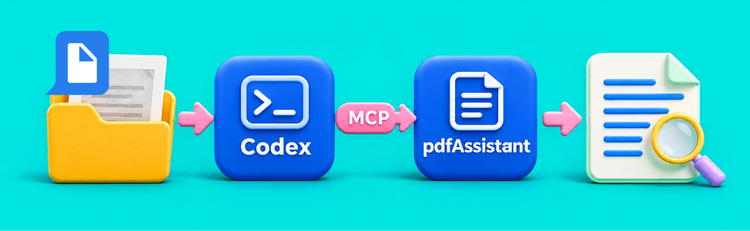
Use the assistant to draft and review the text, then ask pdfAssistant to create or convert the supported document source. Keep the drafting and processing roles clear.
Recent Use Cases
Process Document Files with Codex and pdfAssistant
Turn a PDF Bank Statement into a Reviewed Excel Table